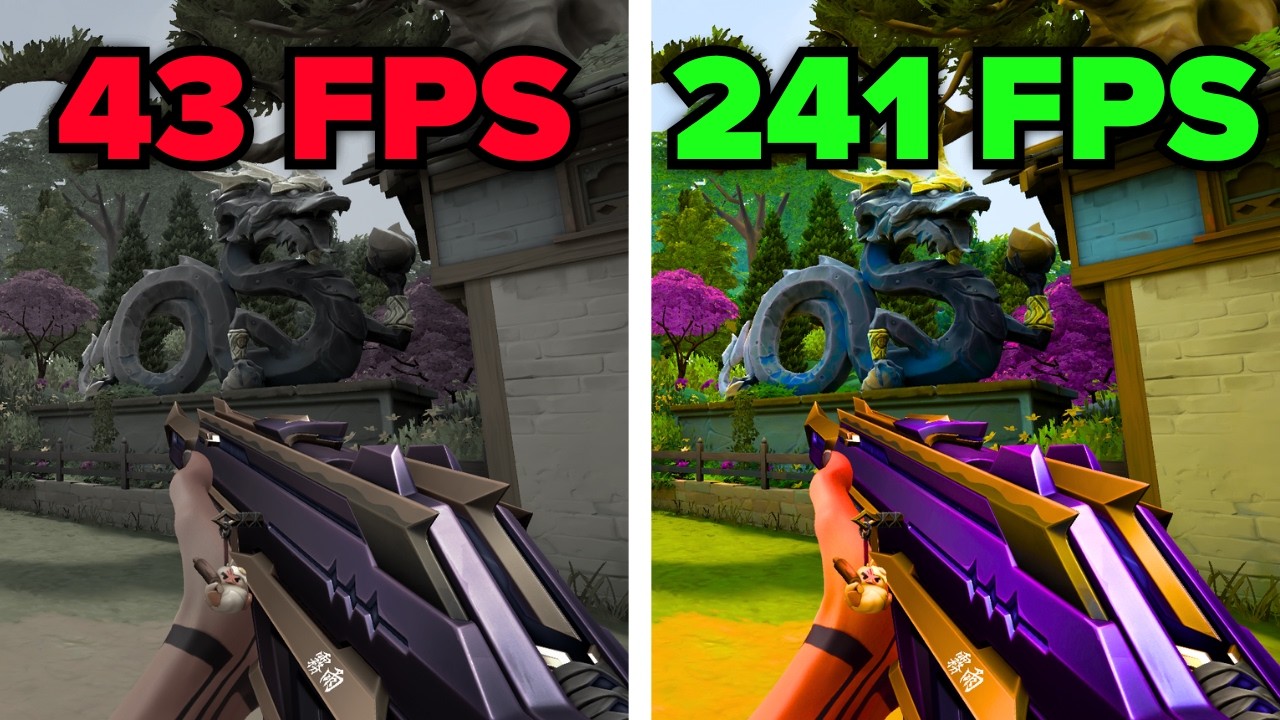
Fix Far Far West FPS Drops and Stuttering
Your frame rate is tanking in towns or during combat because Far Far West uses demanding Unreal Engine 5 features that push your hardware to its limit. By adjusting your graphics configuration, you can stop the stuttering and keep your frame rate locked above 60 FPS.
Why this happens
The game's Lumen global illumination and complex foliage rendering are heavy on both your CPU and GPU. Disabling these intensive settings provides a massive performance boost without significantly sacrificing visual quality.
Steps
-
01Open the game settings menu, reset all settings to default, and click Apply.
-
02Set Display Mode to Full Screen and Render Quality to 100%.
-
03Turn Vsync to No and set your FPS Limit to Unlimited or match your monitor refresh rate.
-
04Set Field of View to 100, Motion Blur to No, and Anti-aliasing to TAA.
-
05Keep Nvidia DLSS and AMD FSR Frame Generation set to Off to ensure native frame delivery.
-
06Set Lumen Illumination to Off; this is the primary setting causing GPU overheating.
-
07Set Ragdoll Amount to 5, Post Process Quality to Medium, and Shadow Quality to No Shadows to recover 20-30 frames.
-
08Set Texture Quality to High (or lower if you have limited VRAM) and set Details, Particle Quality, and Foliage Density to Low.
-
09Click Apply Settings to save your changes and return to the game.
Still not working?
If you are still seeing frame drops, lower the Render Quality to 90 or 80 percent. If you are GPU-bound, enable DLSS or FSR on the Quality preset to gain extra overhead.
Frequently asked questions
Will turning off shadows make the game look bad?
You will lose ground shadows, but the significant gain in FPS—often 20 to 30 frames—usually outweighs the visual trade-off during fast-paced combat.
Why should I keep FSR frame generation off?
Frame generation creates synthetic frames that can introduce noticeable input lag, which makes movement and aiming feel sluggish.
Subscribe for fast, no-fluff fixes and best settings guides
For the games, phones, and apps you actually use - every common error, crash, and "how do I…" answered in under three minutes.

League of Legends Best Settings For Low End PC

Meccha Chameleon Best Settings For Low End PC

League of Legends Best Settings For Beginners

Meccha Chameleon Best Settings For MAX FPS